Phone Book
CRM Phone Book
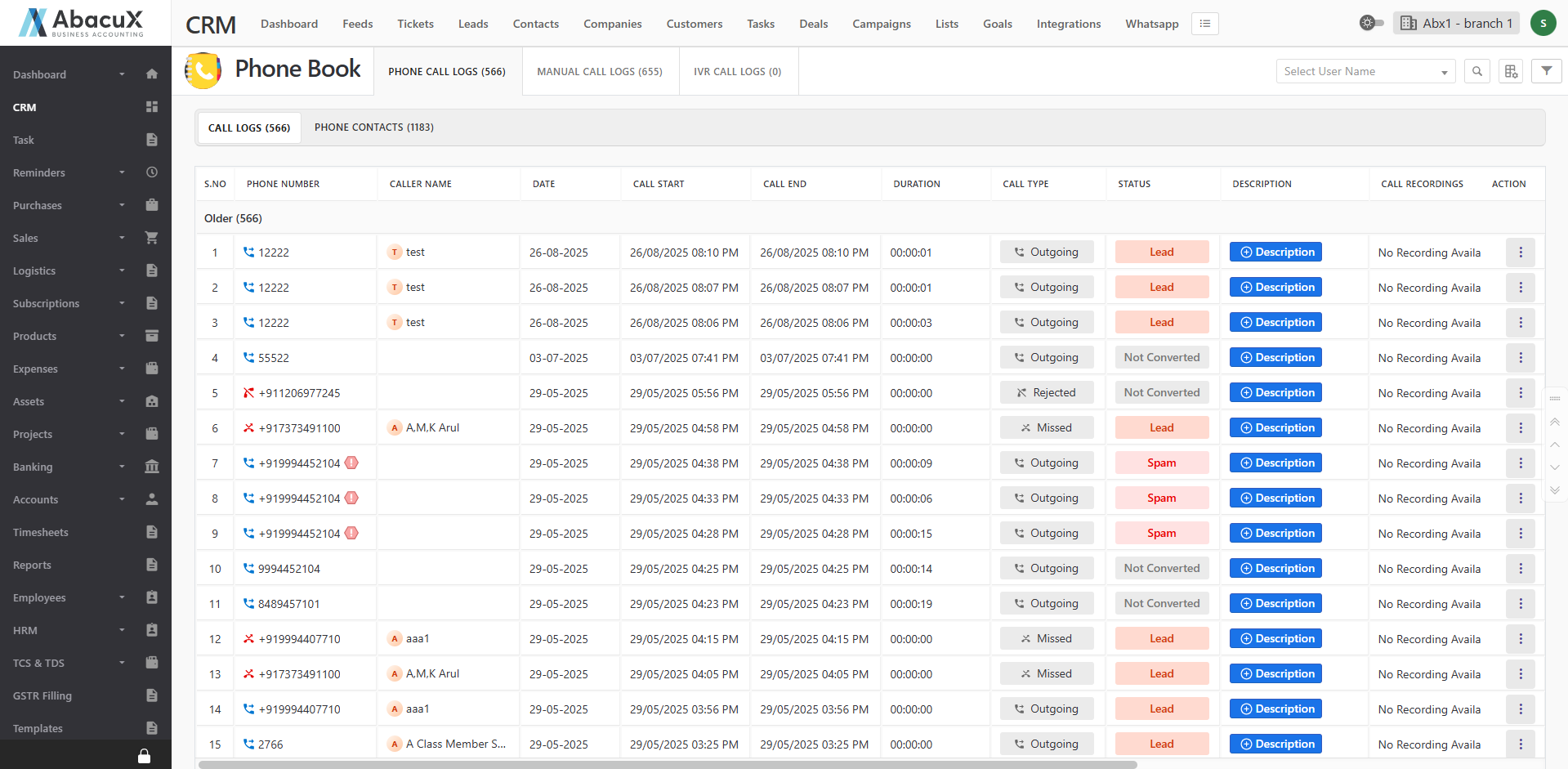
- Click on the Phone Book menu to view all call log details.
-
The call logs are organized under the following tabs:
Phone Call Logs: Displays logs of all incoming and outgoing phone calls.
Manual Call Logs: Displays logs of all manually dialed calls.
IVR Call Logs Displays logs of all Interactive Voice Response (IVR) calls.
-
If a phone number is not found in the contact list, an action button is available to convert the number into a contact.