CRM
CRM (Customer Relationship Management)
The CRM module in the ERP application is designed to help businesses effectively manage and nurture relationships with their customers, leads, contacts, deals and campaigns. It serves as a centralized system that enables teams to track customer interactions, monitor sales pipelines, manage leads, and improve overall customer engagement and satisfaction.
The module provides tools for managing every stage of the customer journey — from lead generation to deal closure and post-sales support. It allows users to automate key processes, streamline communication, and maintain a 360-degree view of each customer.
Key Features
-
Lead Management: Capture, track, and manage potential leads from various sources to convert them into customers efficiently.
-
Opportunity Tracking: Monitor and manage sales opportunities through different stages of the sales pipeline.
-
Customer Database: Maintain comprehensive records of customers, including contact details, communication history, and transaction data.
-
Activity Management: Schedule, track, and log meetings, calls, emails, and follow-ups to ensure timely interactions.
-
Deal and Task Management: Assign tasks to sales representatives and monitor deal progress for better accountability.
-
Sales Forecasting: Generate insights and reports to forecast sales and analyze performance.
-
Communication Logs: Maintain a complete record of all communications with customers for easy reference.
-
Integration with Other Modules: Seamlessly integrates with modules such as Sales, Invoices, and Support Tickets to ensure unified customer data management.
Benefits
-
Improves customer retention through better service and communication tracking.
-
Increases sales efficiency with automated workflows and reminders.
-
Provides real-time visibility into customer activities and sales pipelines.
-
Enhances collaboration between sales, marketing, and support teams.
-
Centralizes customer data for informed decision-making and improved customer experience.
CRM Overview
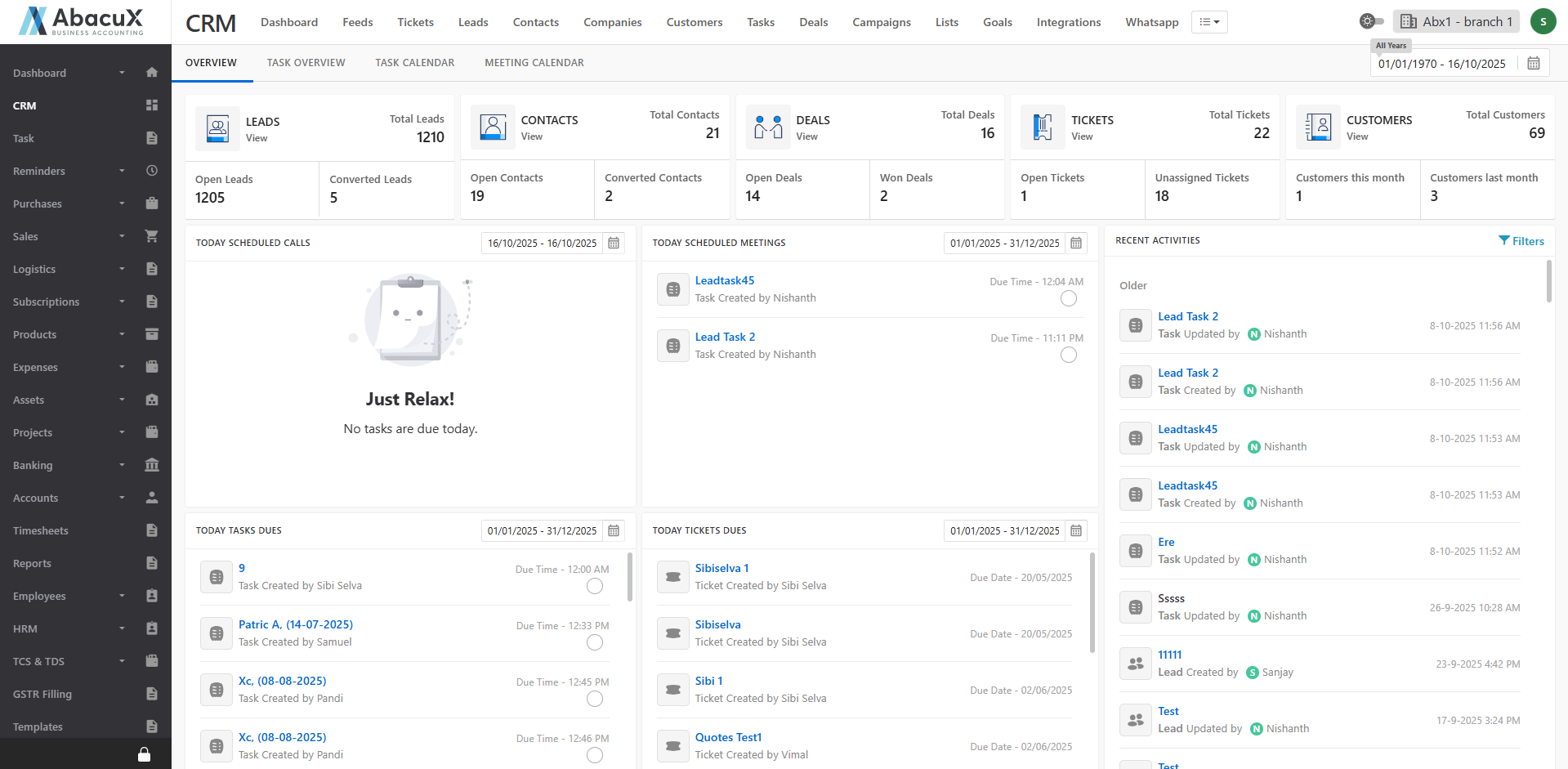
The CRM Overview section provides a comprehensive summary of the overall CRM activities. It includes detailed insights into key metrics such as:
-
Leads: Displays the total number of leads, open leads, and converted leads.
-
Contacts, Deals, Tickets, and Customers: Summarizes their respective counts and statuses.
-
Today’s Activities: Shows today’s calls, meetings, task dues, ticket dues, and overall CRM activities.
The CRM Home Page also lists the most recent entries, including leads, contacts, customers, deals, and tickets, offering a quick snapshot of ongoing CRM operations.
Task Overview
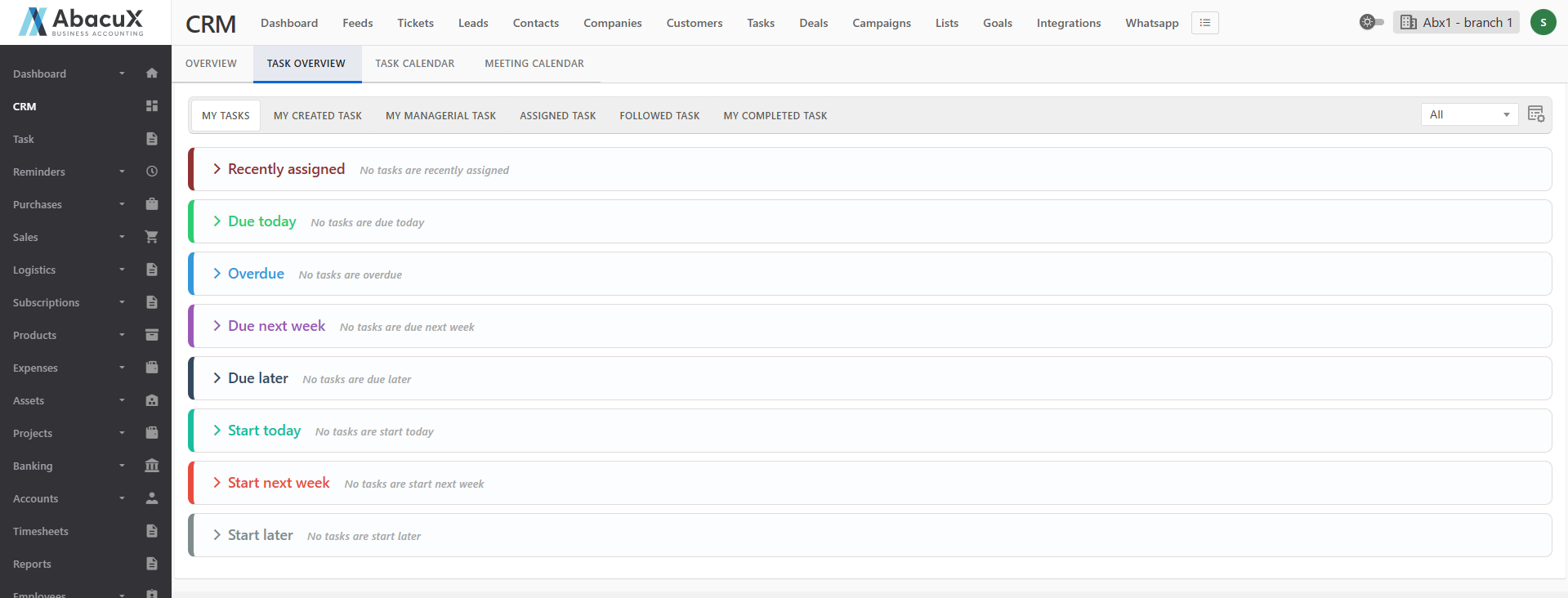
Click the “Task Overview” tab to view and manage various task categories. The following task sections are available:
-
My Tasks
-
My Created Tasks
-
My Managerial Tasks
-
Assigned Tasks
-
Followed Tasks
-
My Completed Tasks
Each category contains tasks organized under the following sections for better tracking and prioritization:
-
Recently Assigned
-
Due Today
-
Overdue
-
Due Next Week
-
Due Later
-
Start Today
-
Start Next Week
-
Start Later
If there are no tasks under a particular category, the system will display a message indicating that no tasks are available.
Task Calendar
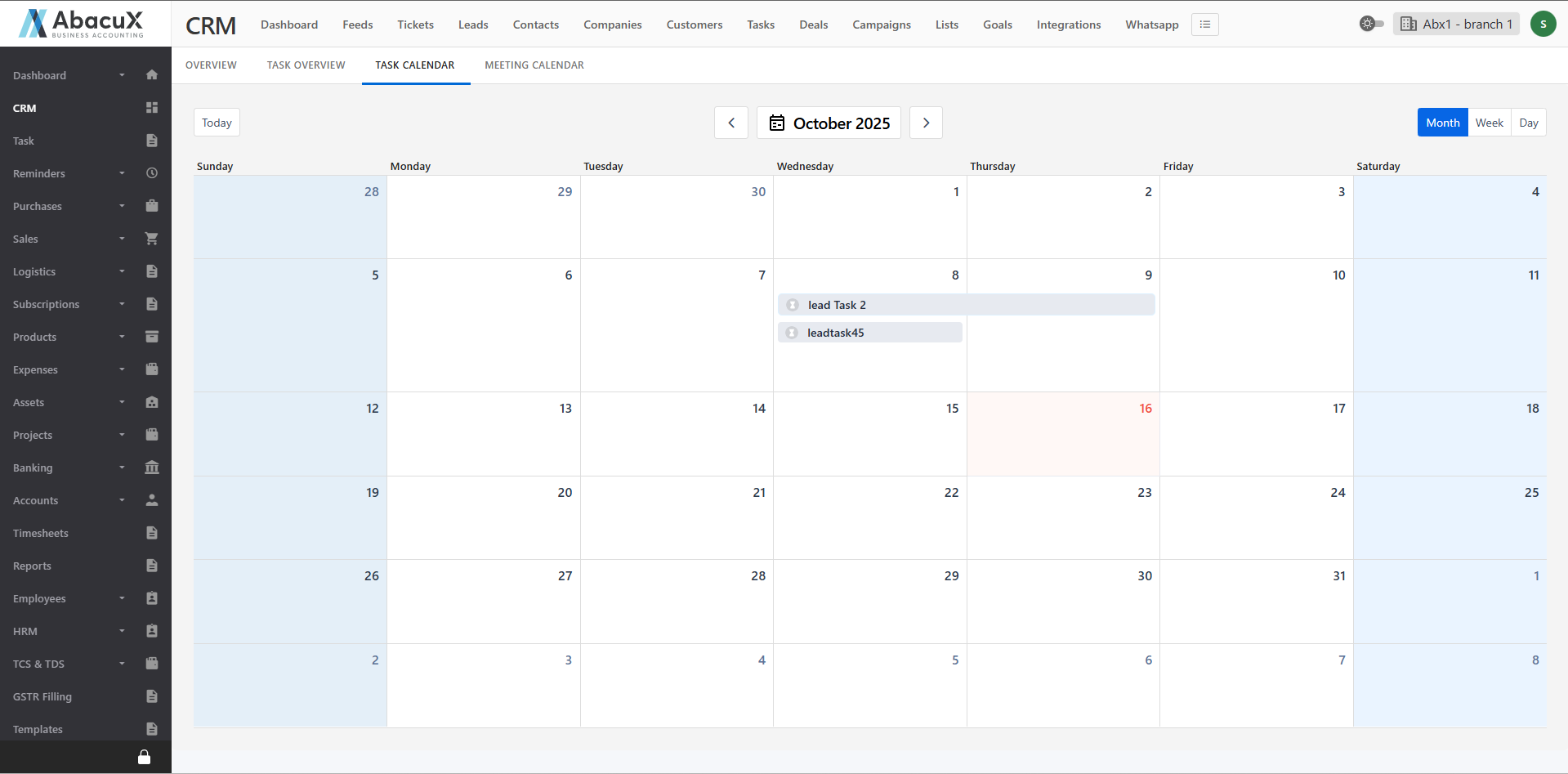
Click the “Task Calendar” tab to view tasks displayed on a calendar interface. You can switch between Monthly, Weekly, or Daily views as per your preference. Clicking on a specific task within the calendar will open a detailed view of that task, showing its relevant information and status.
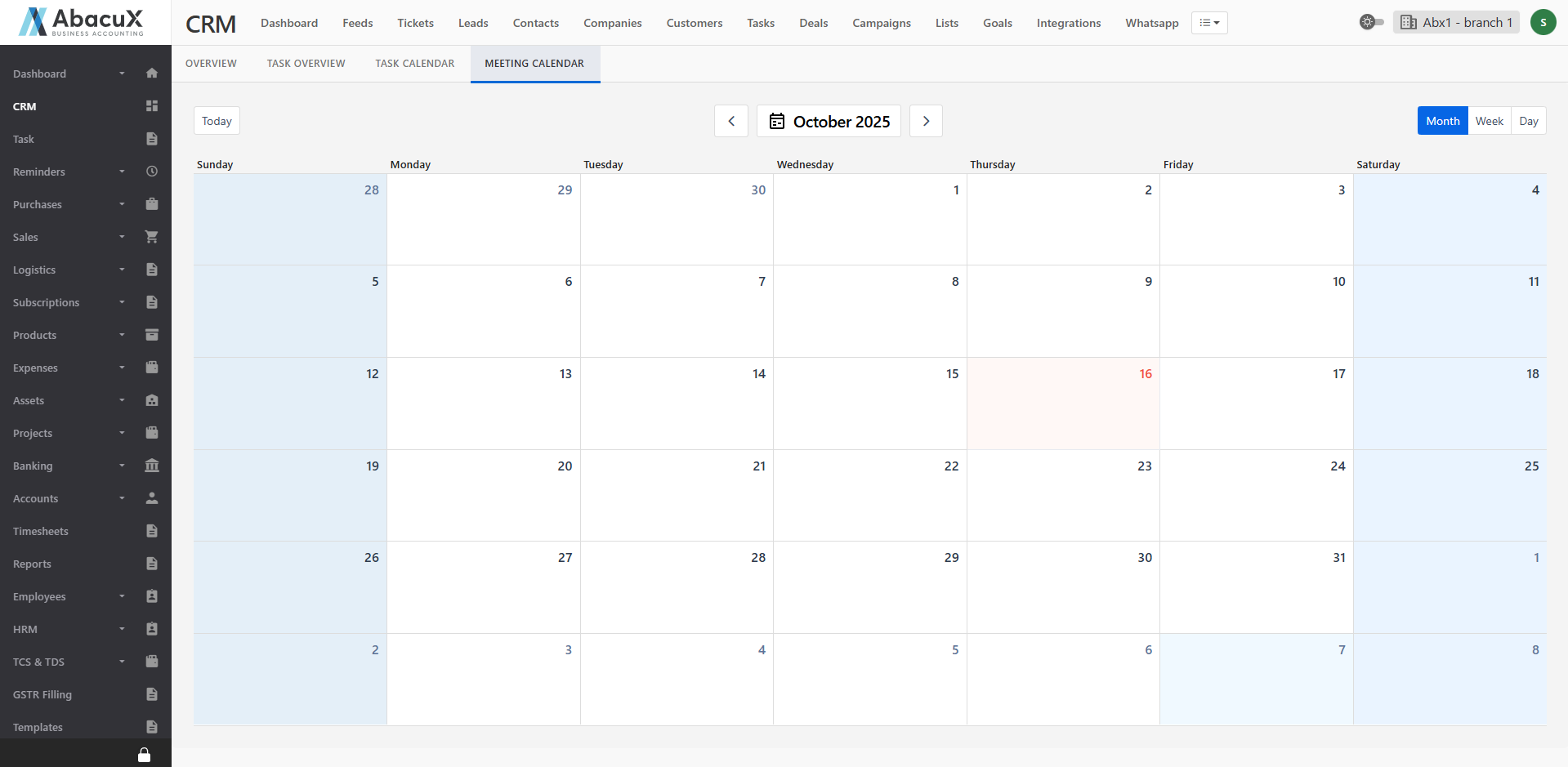
Meeting Calendar
Click the “Meeting Calendar” tab to view scheduled meetings in a calendar format. You can switch the calendar display to Monthly, Weekly, or Daily views. Clicking on a specific meeting will open a detailed view of that meeting, displaying its agenda, participants, and other related information.