Integrations
CRM Integrations
The Integrations module allows users to connect and manage third-party applications and APIs with the ERP system. This feature enables seamless data synchronization and workflow automation across platforms such as Google, Facebook, WhatsApp, MyOperator, and IndiaMART.
Managing Integrations
- Click the Integrations menu to view the list of available modules that can be integrated with the ERP system.
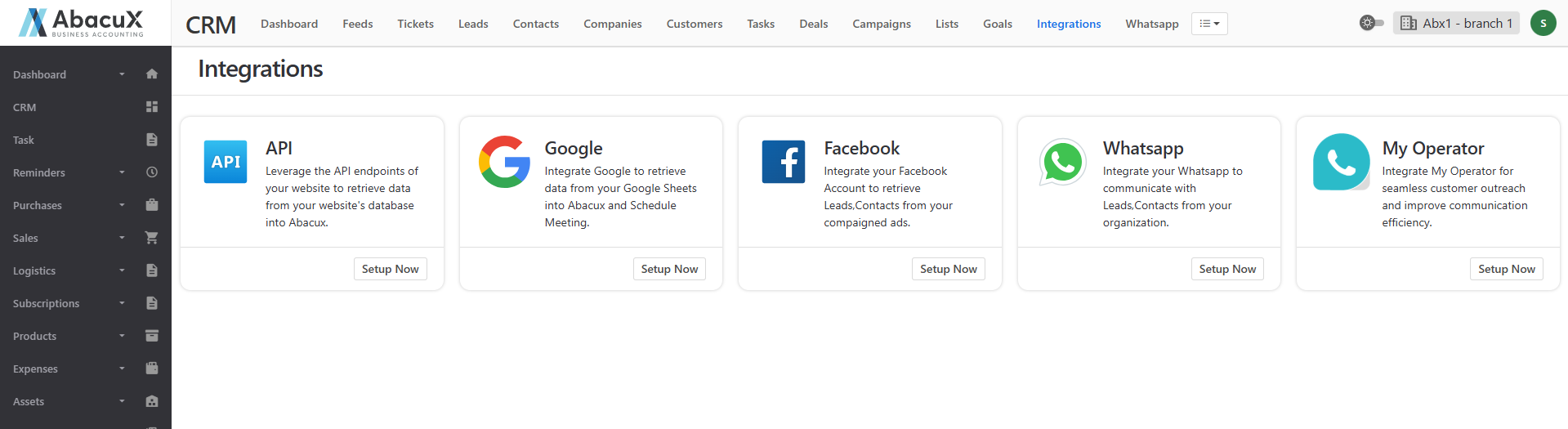
- To configure API connections, click the “API Setup Now” button. This will open a page displaying the list of available APIs.
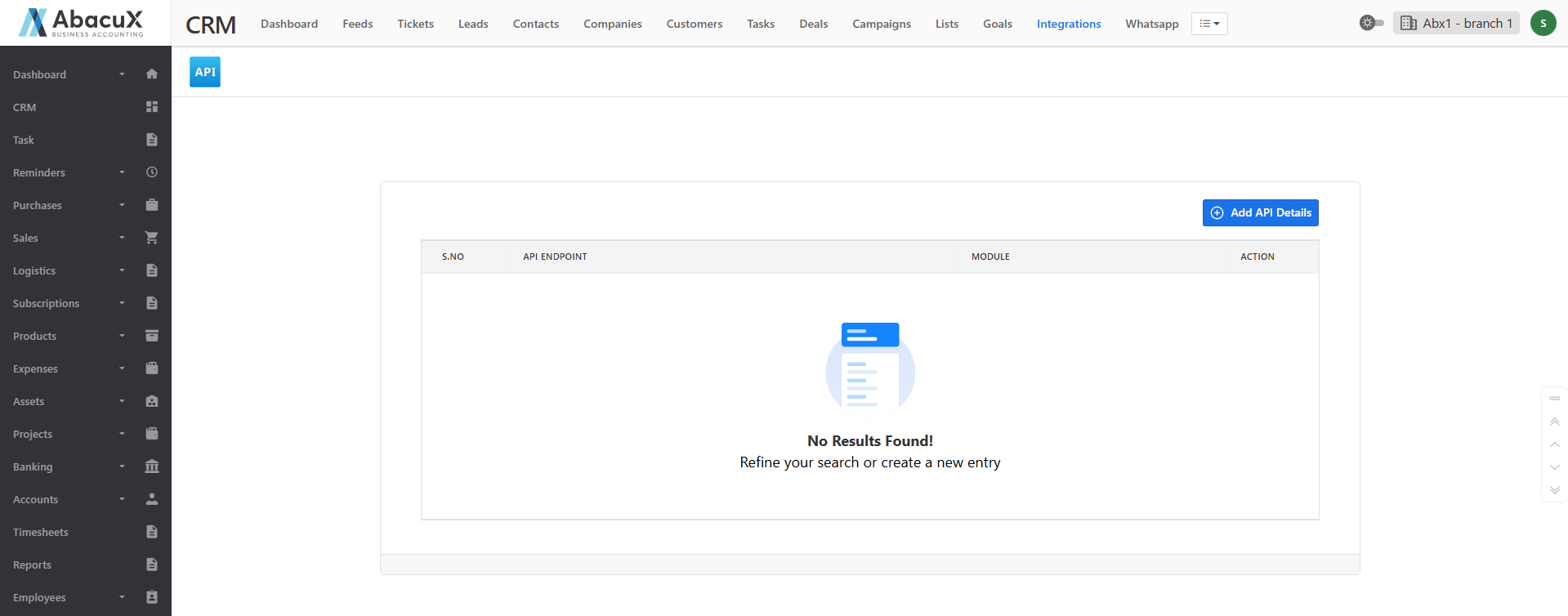
- To add a new API, click the “Add API Details” button located at the top-right corner of the page.
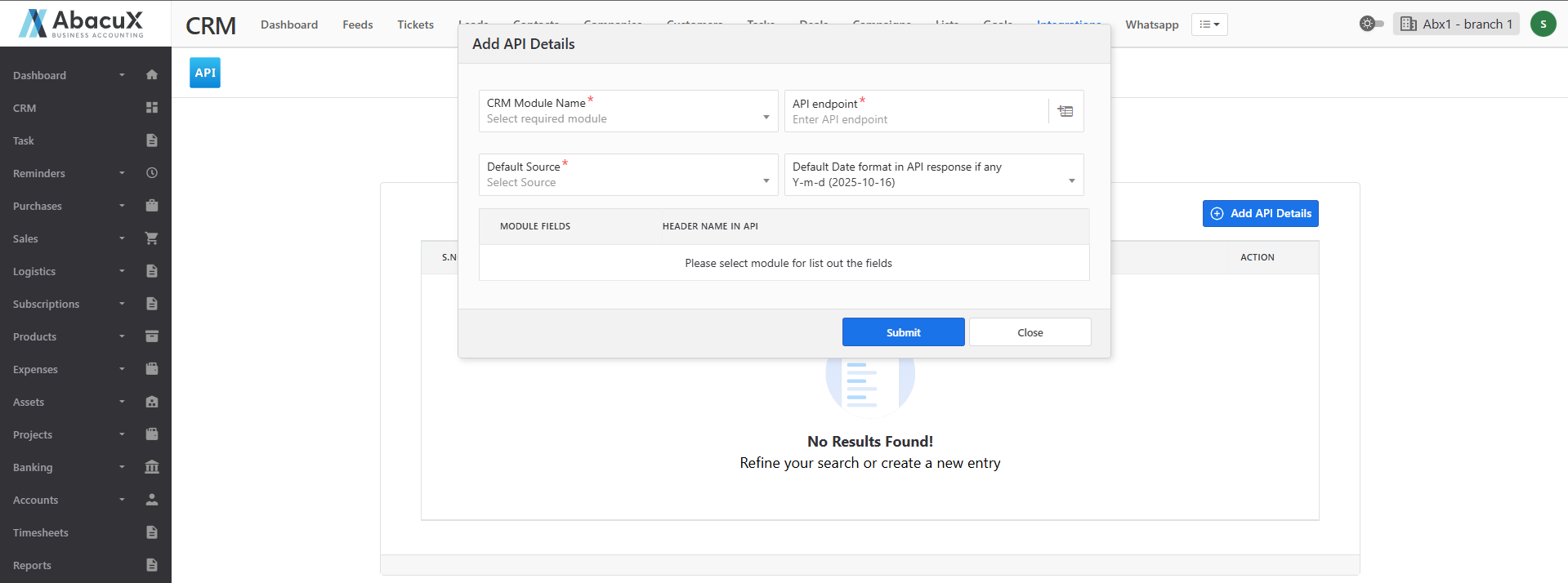
-
A form will open to enter the API details. Fill in the required fields such as API name, endpoint, key, and authentication details, then save the form.
-
Upon successful saving, a success message will appear on the screen.
-
If there is an error while saving, an error message will be displayed.
-
In addition to APIs, users can also set up and manage integrations for popular tools like Google, Facebook, WhatsApp, MyOperator, and IndiaMART to streamline communication, marketing, and operational activities.