Welcome to AbacuX
AbacuX is the first intelligent cloud accounting software built for dynamic businesses, owners and accountants. It is an all-in-one tool packed with invoicing, billing, expense tracking, inventory and much more. With AbacuX stay complaint with latest GST, e-invoicing, e-way bill, TCS/TDS and cess. AbacuX account in less than 5 minutes.
Salient Features
Powerful Accounting Software With Robust Features








Getting Started
Get started by selecting a plan and creating a new account.
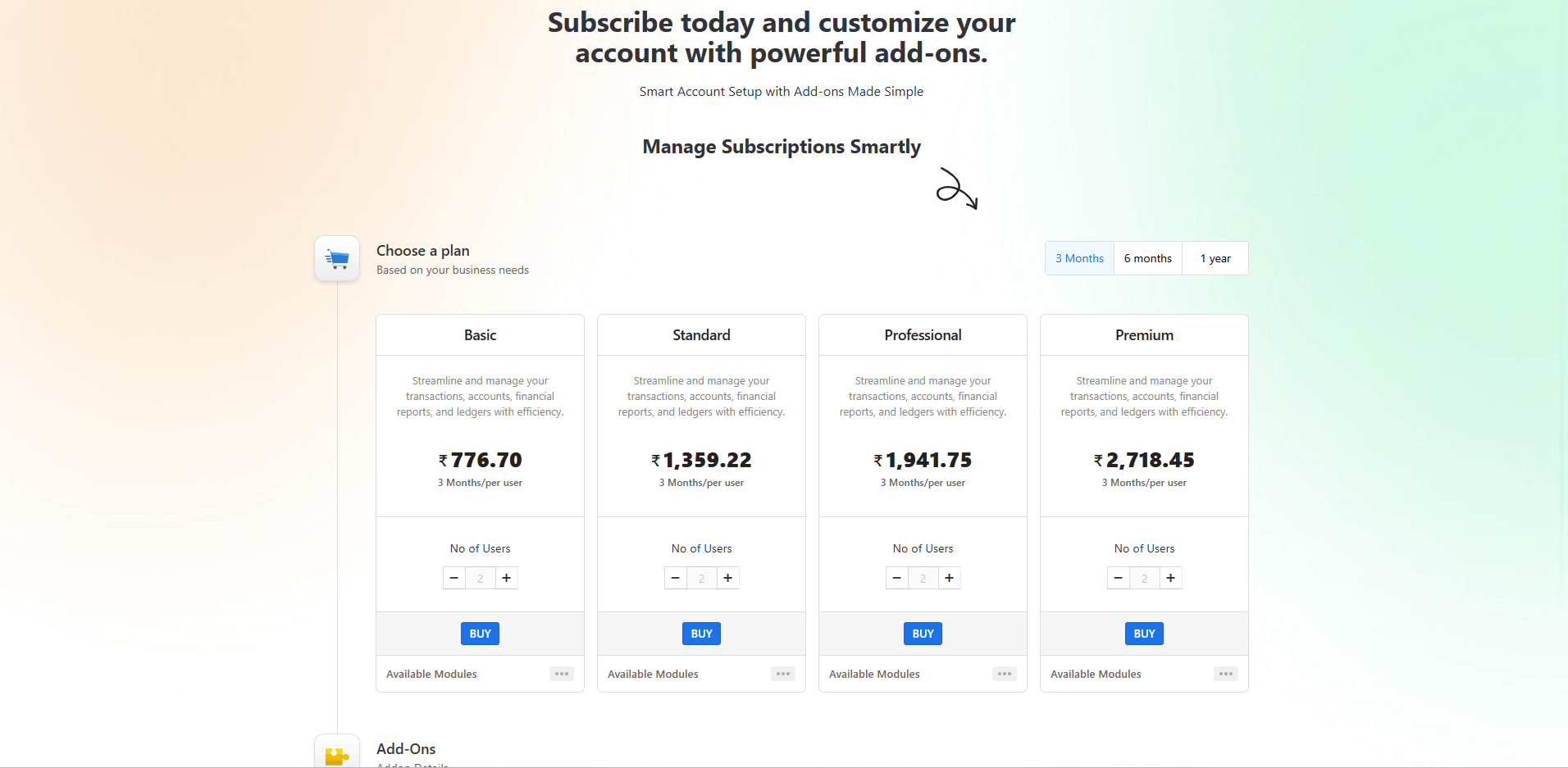
Alternatively, you can try AbacuX instantly or explore the live demo here.
Registration
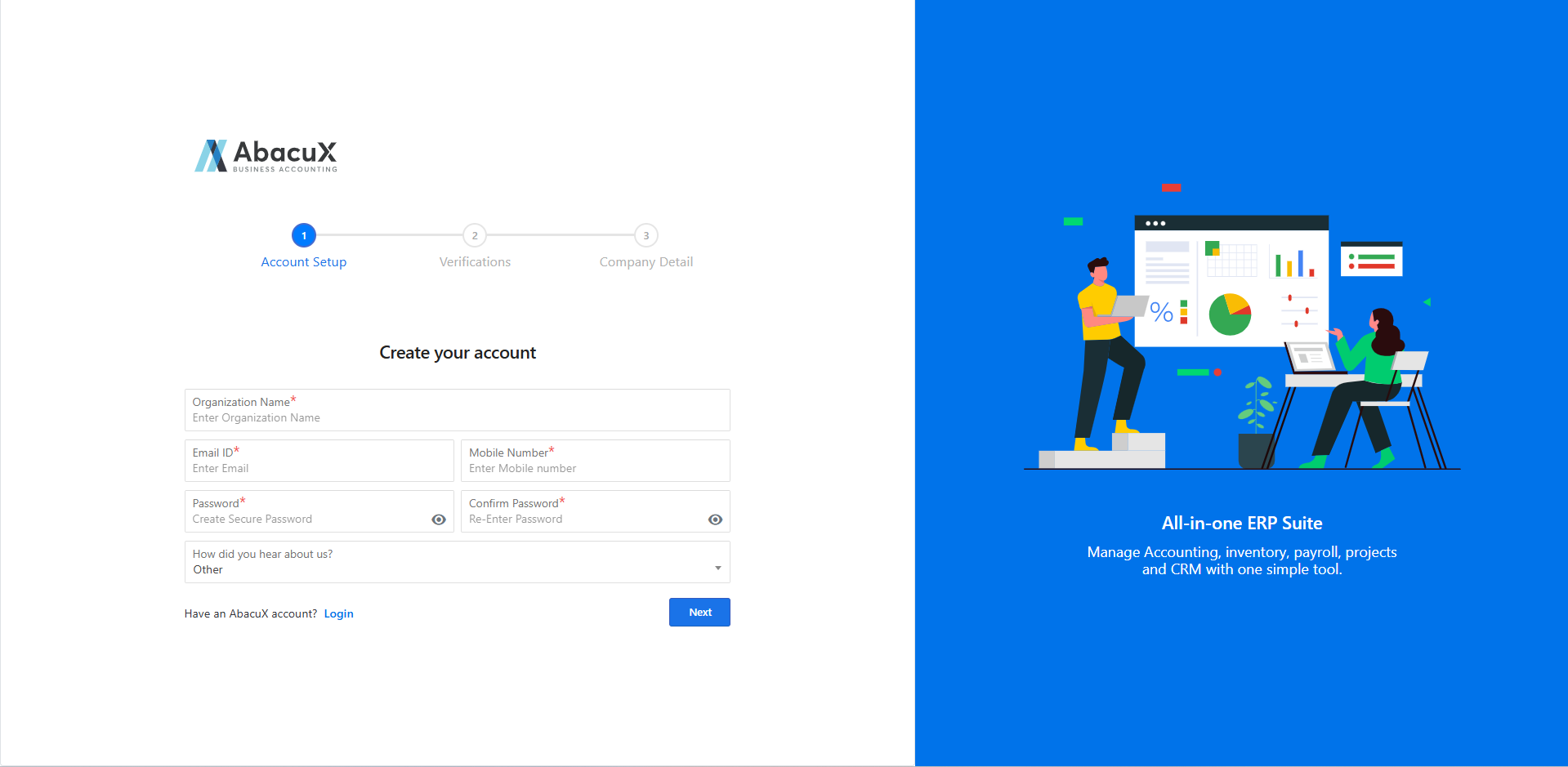
- Enter your basic information, including your organization name, email address, mobile number, and password.
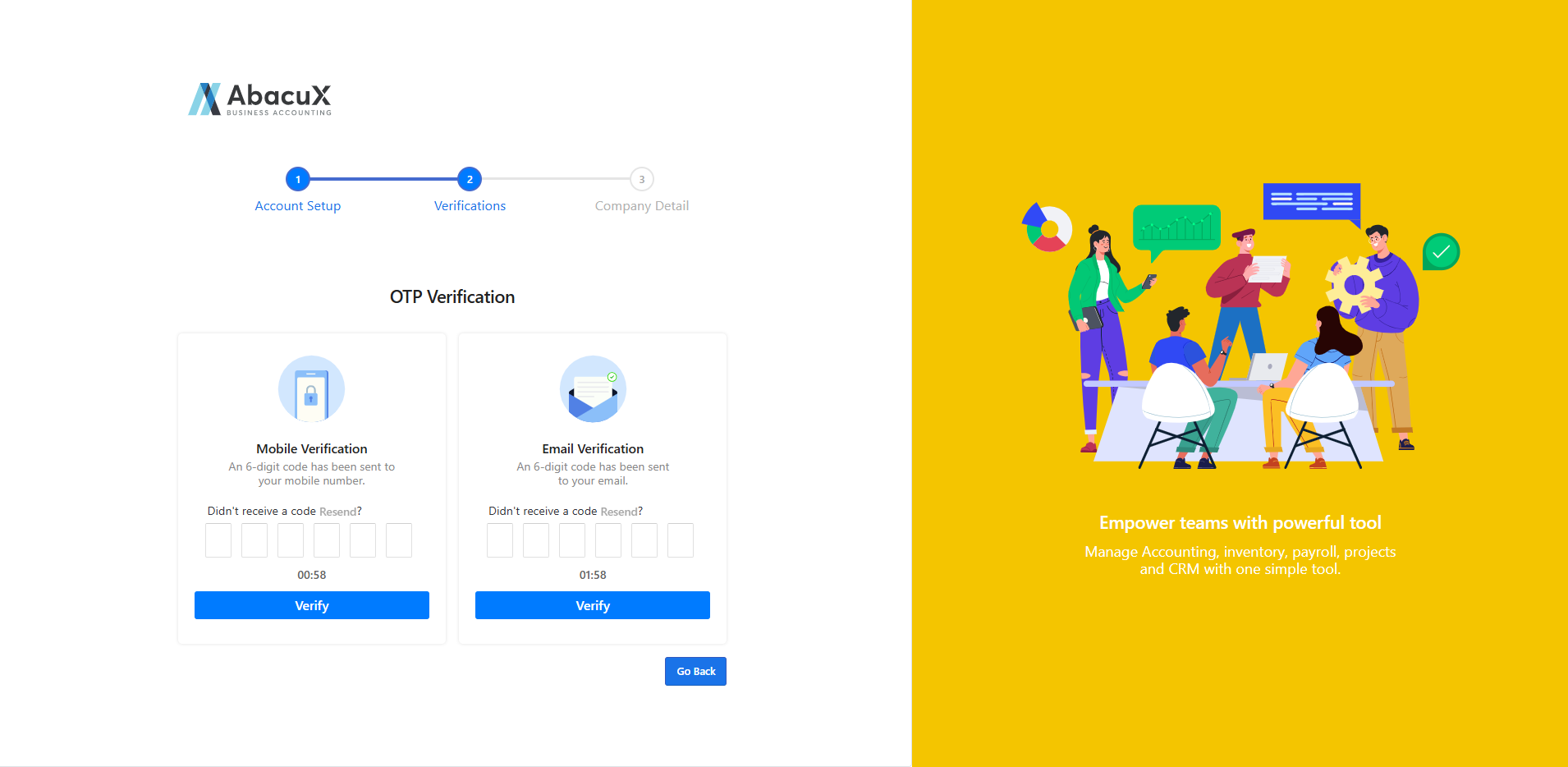
- After successfully entering the required details, you will be prompted to verify your email address and mobile number using an OTP (One-Time Password).
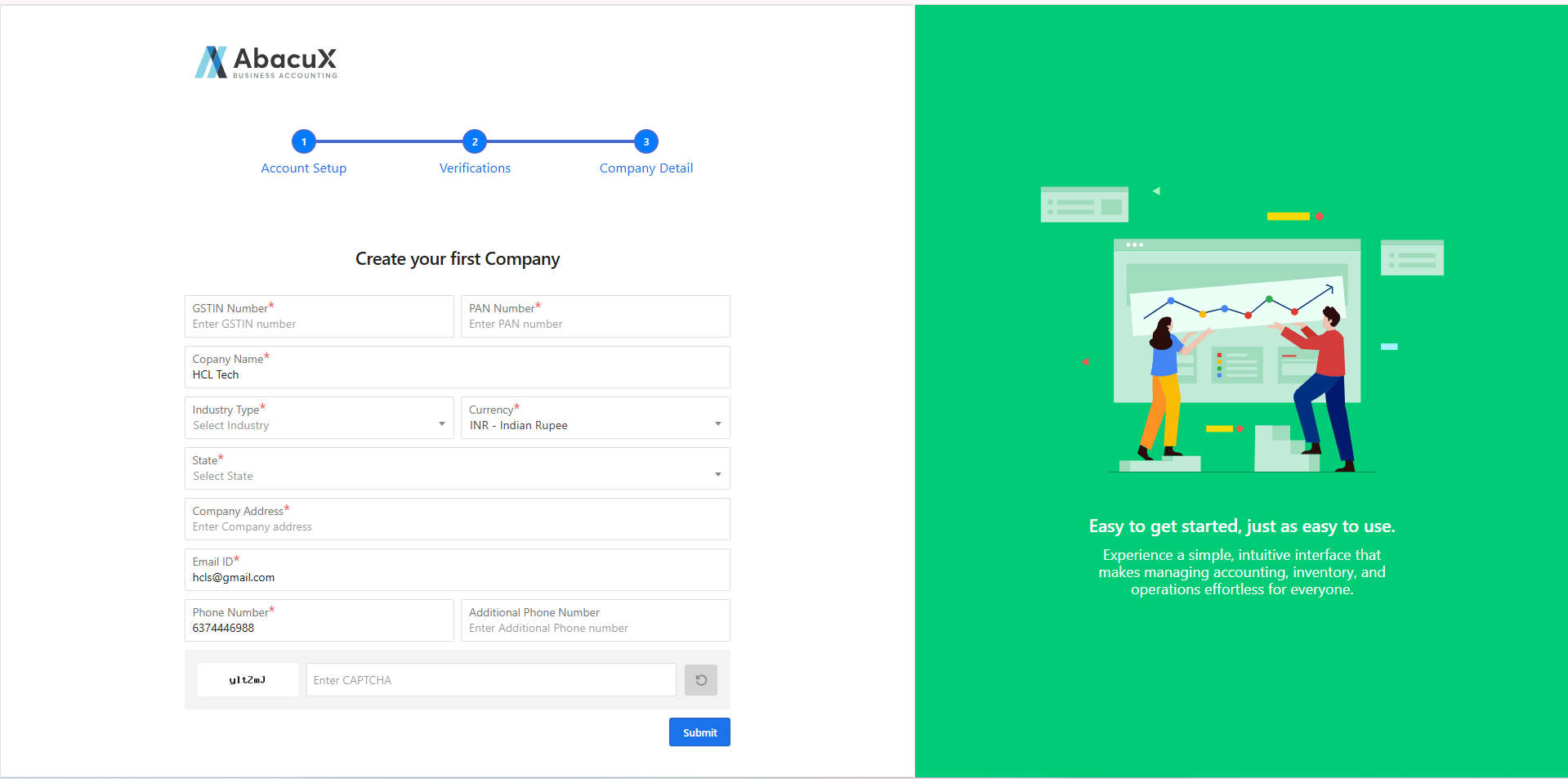
- Next, provide your company details, such as GSTIN, PAN, company name, industry type, base currency, state, address, email, and mobile number.
If you enter your GSTIN, your company details will be automatically fetched from the GST portal.
-
Submit the information to create a new account.
-
Upon successful registration, you will be redirected to the AbacuX packages/plans page.
You can log in to your account here after registration.
Login
-
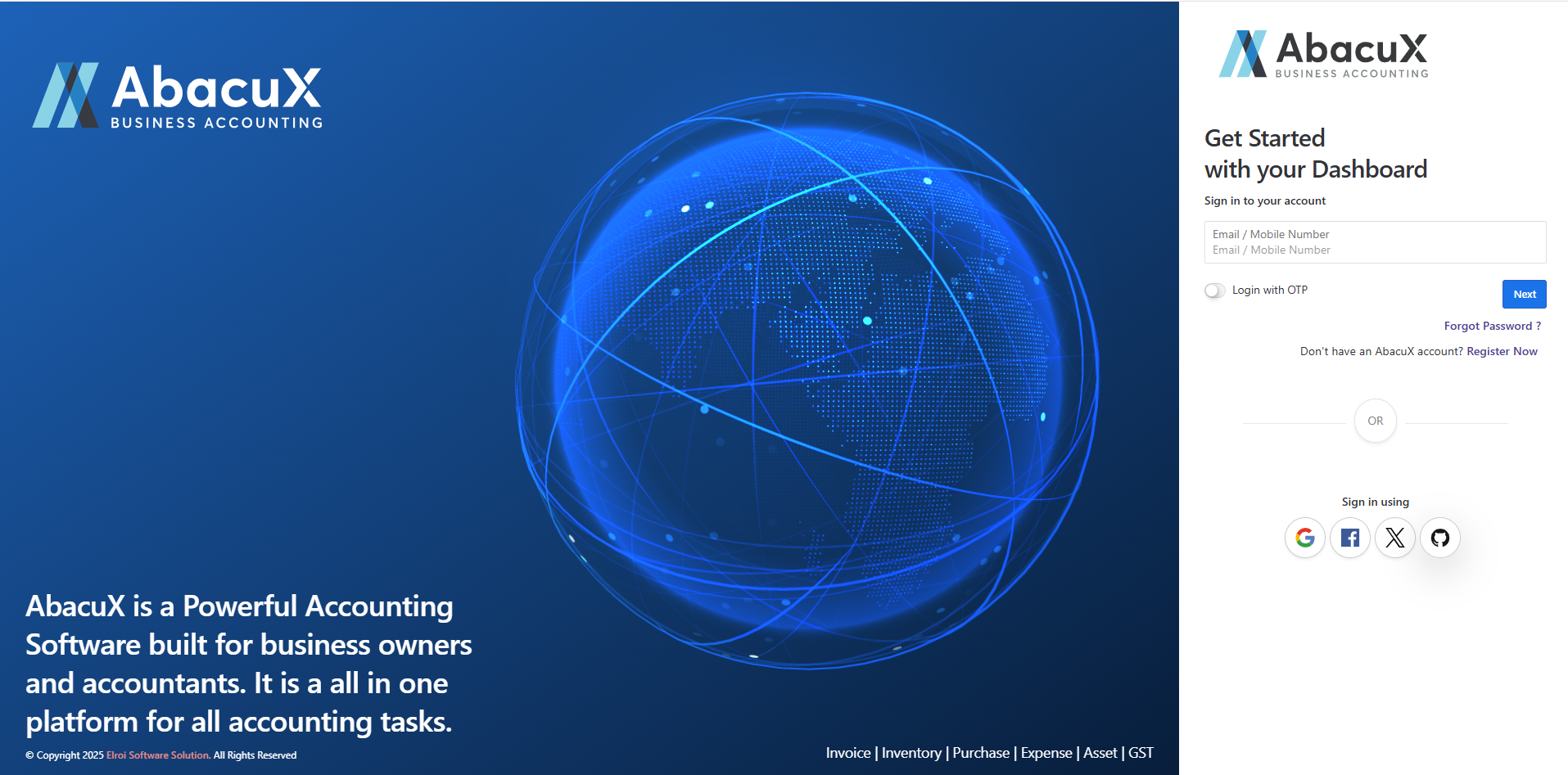
Enter your registered email address or mobile number to log in to your AbacuX account.
-
Once your email or mobile number is validated, you will be directed to the organization selection and password entry screen.
-
Select your organization, enter your password, and proceed by clicking Sign In.
-
Upon successful login, you will be redirected to the AbacuX dashboard, where you can manage your account.
Social Login
-
You can log in using your social accounts such as Gmail, X (formerly Twitter), Facebook or GitHub.
-
Upon successful login, you will be redirected to the AubacuX dashboard, where you can manage your account.
Forgot password
-
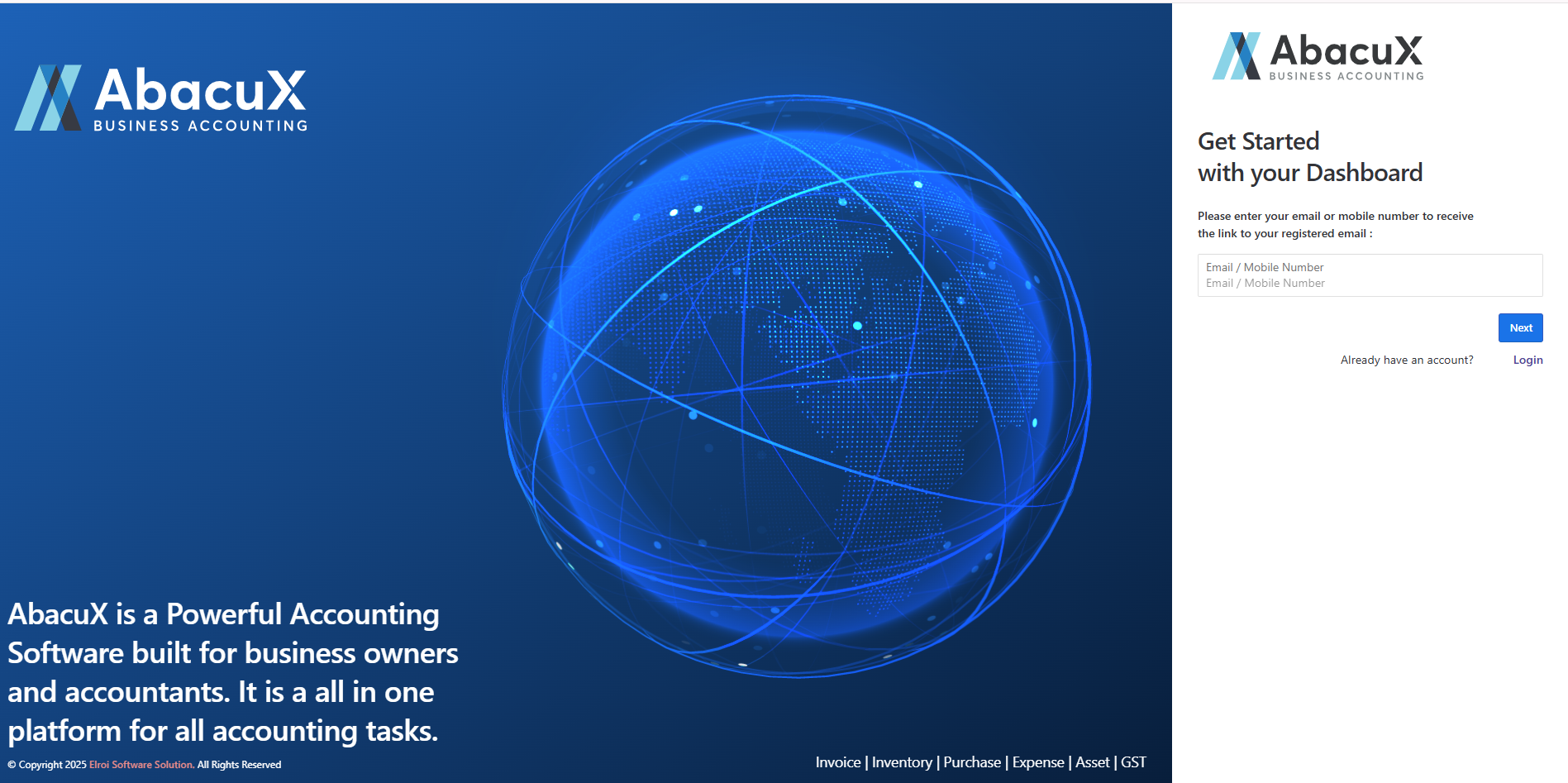
If you have forgotten your password, you can click on the Forgot Password link.
-
You will then be prompted to enter your registered email address or mobile number to receive a password reset link via email.
Reset Password
-
Once you click the valid password reset link sent to your email, you will be redirected to the password reset form on AX.
-
On this screen, you can enter a new password for your AX account.
-
After successfully resetting your password, you can log in to your AX account using the new password.
Basic Settings
Company Settings
-
Create a Company with Branch
-
create a user for that company
-
One Company with one / more branch with multiple users
-
Companies
-
Branches
-
Users