Tasks
Task Dashboard
-
Click on the Task menu to open the Task List page.
-
The Task Dashboard consists of two main tabs:
Overview
The Overview tab provides multiple sub-tabs to manage and monitor different categories of tasks:
-
My Tasks: Displays the list of tasks assigned to the logged-in user.
-
My Tasks (Projects): Shows the project-related tasks assigned to the logged-in user.
-
My Created Tasks: Displays the tasks created by the logged-in user.
-
My Managerial Tasks: Shows the managerial tasks associated with the logged-in user.
-
Assigned Tasks: Displays tasks that are assigned to the logged-in user by others.
-
Followed Tasks: Lists the tasks being followed by the logged-in user.
-
My Completed Tasks: Displays all completed tasks of the logged-in user.
Each of these tabs groups tasks under the following categories for better organization and tracking:
-
Recently Assigned: Tasks that have been recently assigned.
-
Due Today: Tasks that are due for completion today.
-
Overdue: Tasks that are past their due date.
-
Due Next Week: Tasks scheduled for completion in the upcoming week.
-
Due Later: Tasks scheduled for completion beyond next week.
-
Start Today: Tasks that start on the current day.
-
Start Next Week: Tasks scheduled to start in the upcoming week.
-
Start Later: Tasks that will begin at a later date.
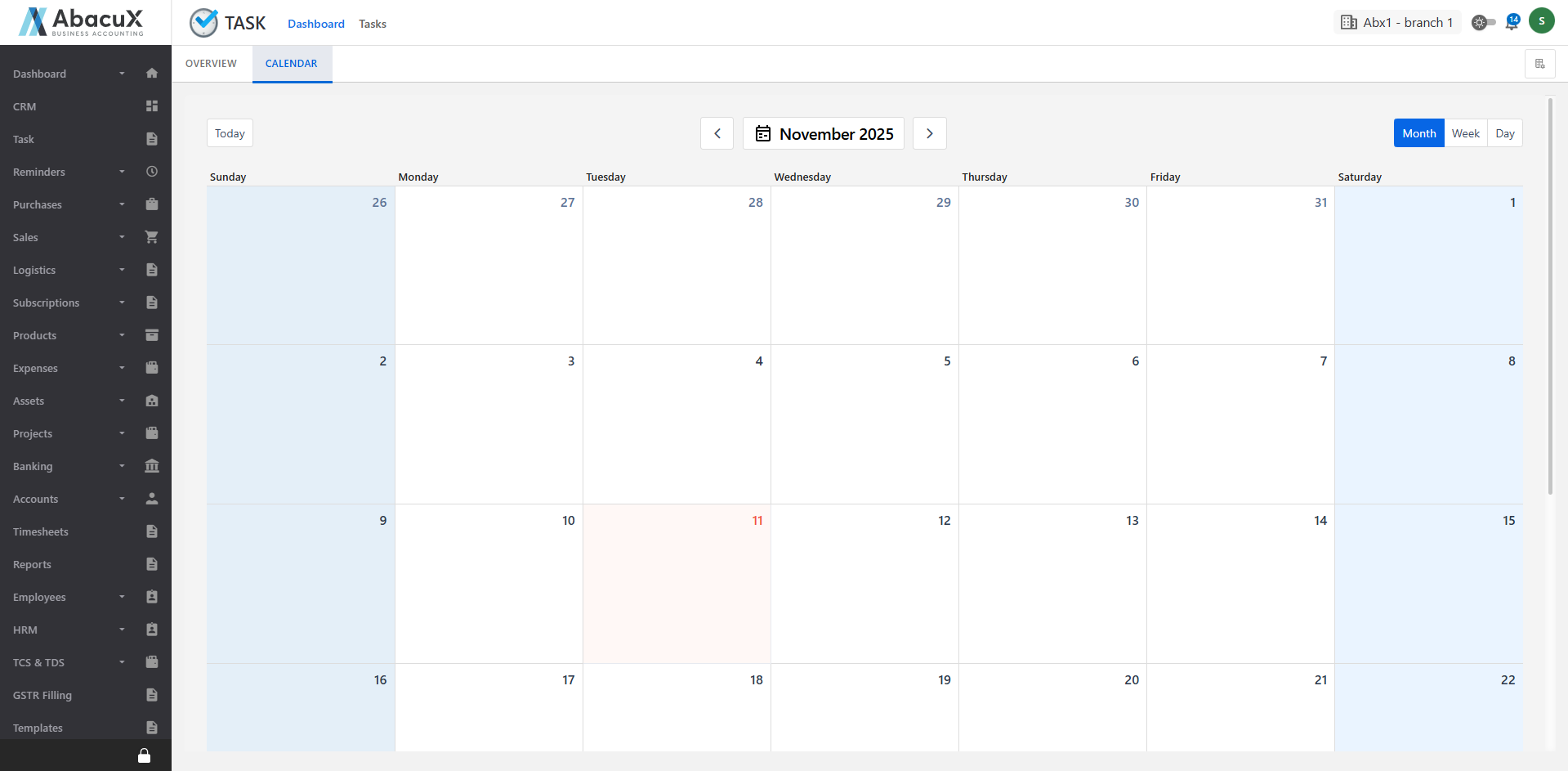
Calendar
The Calendar tab provides a visual representation of tasks organized by their start and due dates, allowing users to easily track task timelines and deadlines.